
Home / POS + inventory setup for small retailers
POS + inventory setup for small retailers
If your store still relies on separate checkout steps, stock workarounds, and end-of-day guesswork, setup is where the operating friction has to be fixed first.
Will this make my store easier to run?
Yes, if the setup follows your real checkout flow, stock movements, and staff permissions. EzyCarto is meant to make daily operations simpler by connecting POS and inventory in one working system instead of separate fixes.
Founder-led audit/demo covering checkout flow, stock setup, staff roles, and rollout priorities.
What is included
Founder-led audit/demo with direct setup guidance
Live POS and inventory walkthrough
First-week setup plan tailored to store operations
Clear next steps for checkout, stock flow, and staff roles
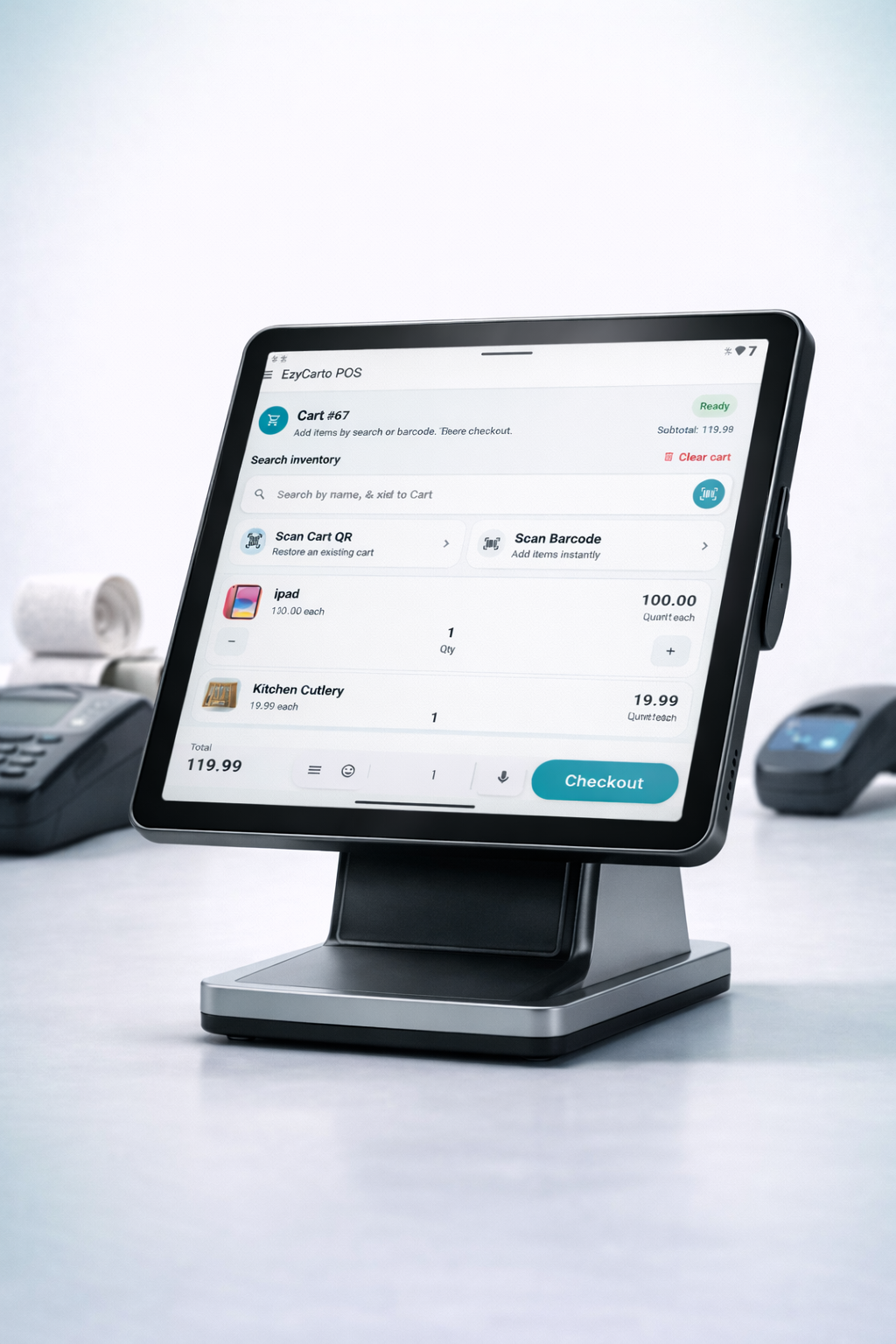
What the audit/demo covers
A practical walkthrough of checkout flow, stock visibility, role setup, and the first changes that would reduce daily operating friction.
Live interface walkthroughs, setup structure, and rollout priorities for day-to-day store operations.
A 5-step setup framework
Setup should reduce friction on the shop floor, from checkout to stock handling and closeout.
Map the real checkout path
Start with the baskets that create the most friction, where staff rescanning happens, and which handoffs slow the queue down.
Clean the product and stock baseline
Load the products that actually move, confirm locations, and remove duplicate naming before the team starts transacting against live stock.
Set roles before staff training
Owners, supervisors, and front-of-house staff should only see the actions they need so approvals and stock changes stay controlled.
Connect sales and stock events
Sales, returns, transfers, and adjustments need to feed one shared view so the store is not reconciling separate systems at close.
Run a short live-store test
Validate one sale, one exception, and one stock movement before wider rollout so the first live week is grounded in real operating loops.
Outcomes that matter operationally
The focus is day-to-day store control, cleaner handoffs, and more reliable stock visibility.
Fewer stock surprises because checkout and inventory updates follow the same workflow.
Less rescanning and fewer staff workarounds at peak times.
Faster onboarding because each role has a defined operating view.
Clearer exception handling through controlled adjustments and audit trails.
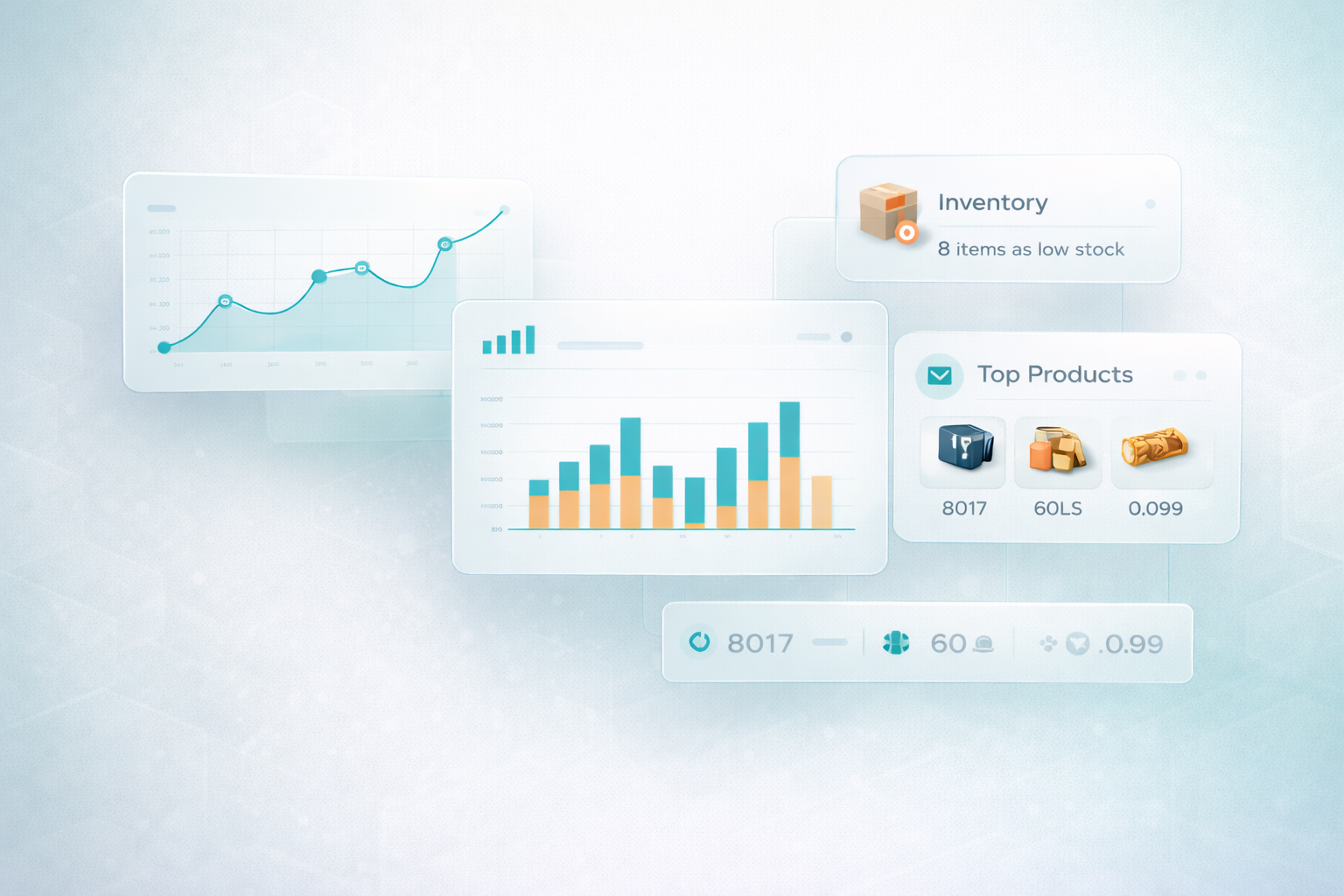
Interface evidence
The inventory and reporting view is shown directly during the walkthrough, so the workflow is clear before rollout.
What happens in the first 7 days
The first week focuses on setup clarity, live workflow checks, and clear next steps.
Audit the current workflow
We review checkout steps, stock pain points, and the minimum viable setup needed to make the store easier to run.
Prepare the setup baseline
Products, locations, and access rules are aligned so the system matches how your store already operates.
Walk through the live interface
You see the actual POS and inventory screens and how staff actions create stock and audit updates.
Test the operating loop
We validate a sale, a correction, and a stock movement so the process is clear before rollout.
Leave with a next-step checklist
You get founder-led follow-up notes on what to change next, what still needs answers, and what rollout should look like.
Frequently asked questions
Common questions before rollout.
Will this make my store easier to run?
A strong setup reduces rescanning, stock guesswork, and disconnected handoffs by linking POS, inventory, and permissions in one workflow.
What happens in the audit or demo?
You get a founder-led walkthrough of your current bottlenecks, a review of the setup approach, an interface walkthrough, and a practical first-week checklist.
Do I need to replace every system immediately?
No. The setup can be phased. The first priority is to get the core checkout and stock loop clear before expanding further.
What kind of walkthrough is included?
The session includes live POS and inventory screens, first-week setup steps, and direct guidance on checkout flow, stock handling, and staff roles.
Clear next steps after the session
Each audit/demo ends with a practical action list for setup, testing, and rollout.